
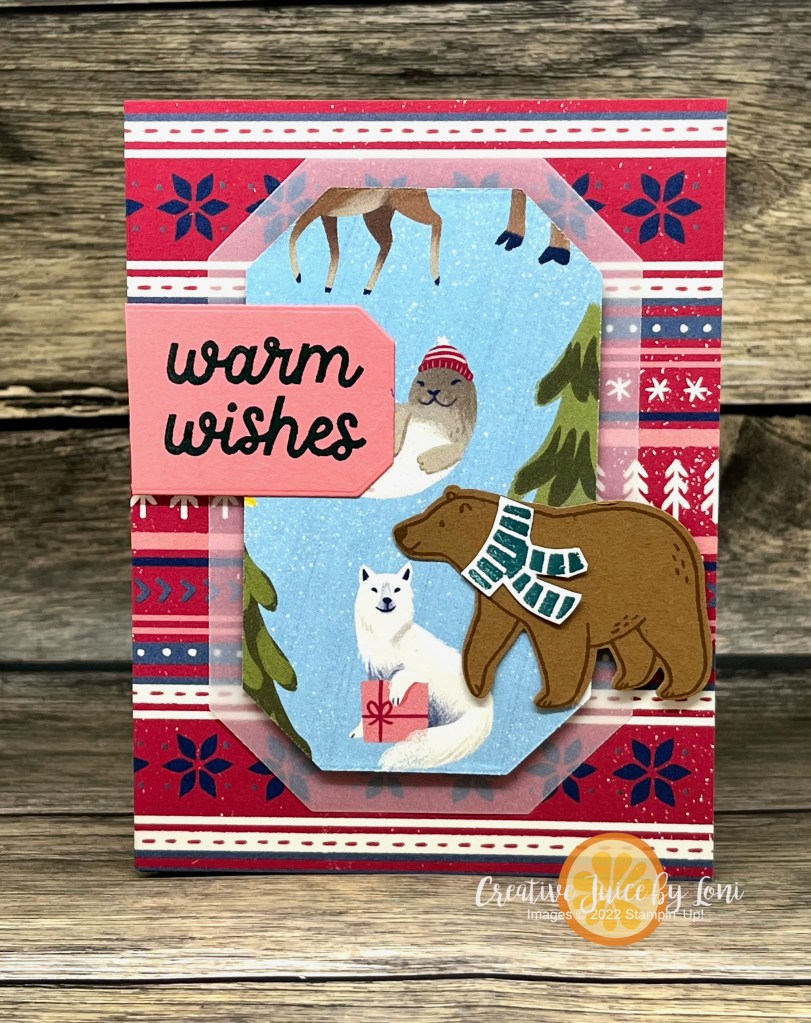
When there is a “scene” printed on Stampin’ Up! Designer Series Paper, it’s perfect for creating a framed picture that pops up inside your card!


For this one, I used the A Walk in the Forest DSP, which is part of our “Making A Difference” Campaign ($3 from each pack purchased is donated to the “Toys for Tots” program). This paper coordinates with both the Beary Christmas Suite and the Merriest trees bundle!
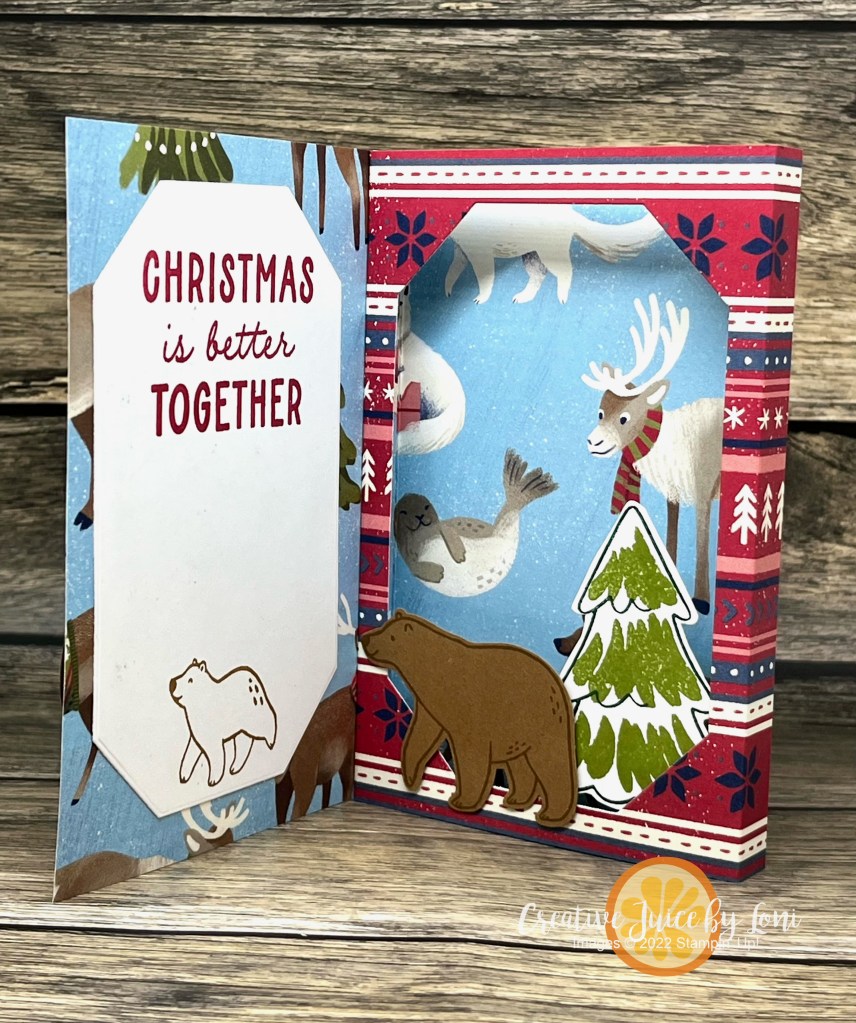
Here’s a slightly different version of the same card using the Beary Christmas paper included in the Beary Christmas Suite:
Because it was so much fun -and simple- to make (I’ll share a how-to video below), I had to make multiple versions with different Designer Series Paper from the September-December Mini Catalog. It’s like the One Card, Two Ways challenge from the #tgifc438 WWYD? Challenge:
The design is roomy enough to sneak a treat inside (not a mailable option, obviously) and for this one I used Them Bones Designer Series Paper:

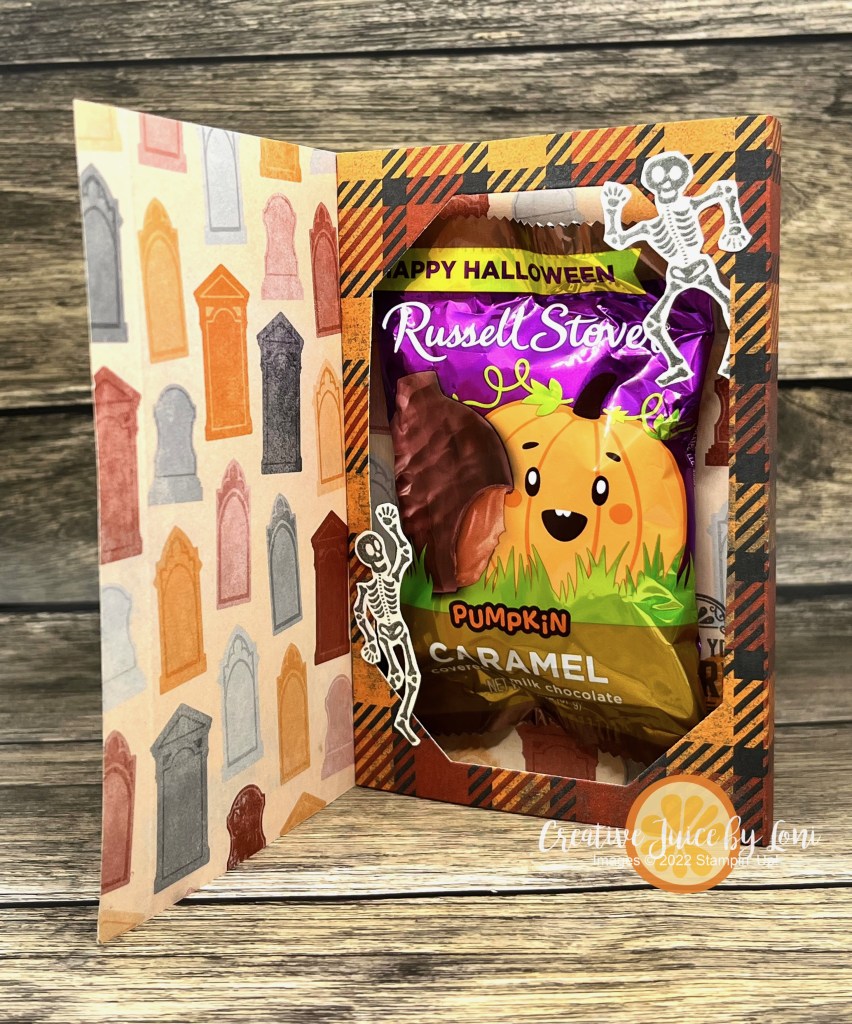
Sharp eyes may notice that the skeletons are smaller than those in the coordinating suite of Halloween products…because the stamp set I used was from the September 2019 Paper Pumpkin kit called “Bone Appetit”!
Before we get to the last version of the Interior Diorama card, here is the video tutorial:
The finished card (closed) is 4″ x 5-1/4″.
Begin with a 12″ x 5.25″ strip of Designer Series Paper and score at 1/2″, 4″, 4.5″ and 8″
Product List


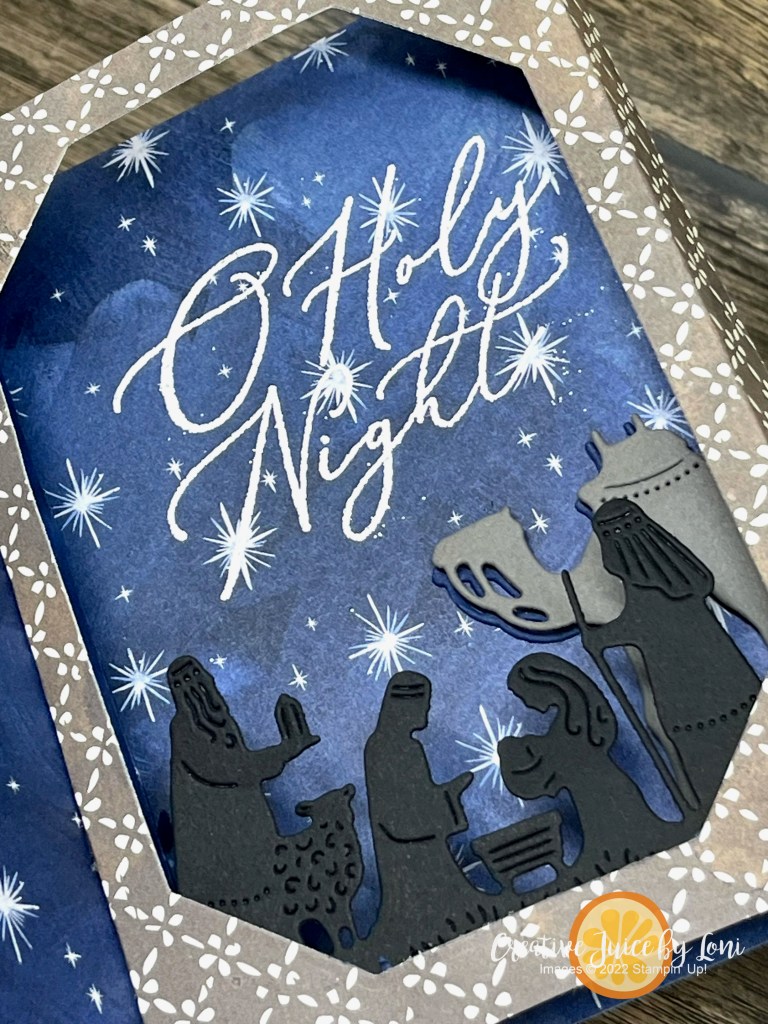
My final Interior Diorama card is a Christmas Version using the O, Holy Night Designer Series Paper and Night Divine Bundle:


Will you be trying this card? Let me know what you think in the comments!
 Creative Juice by Loni